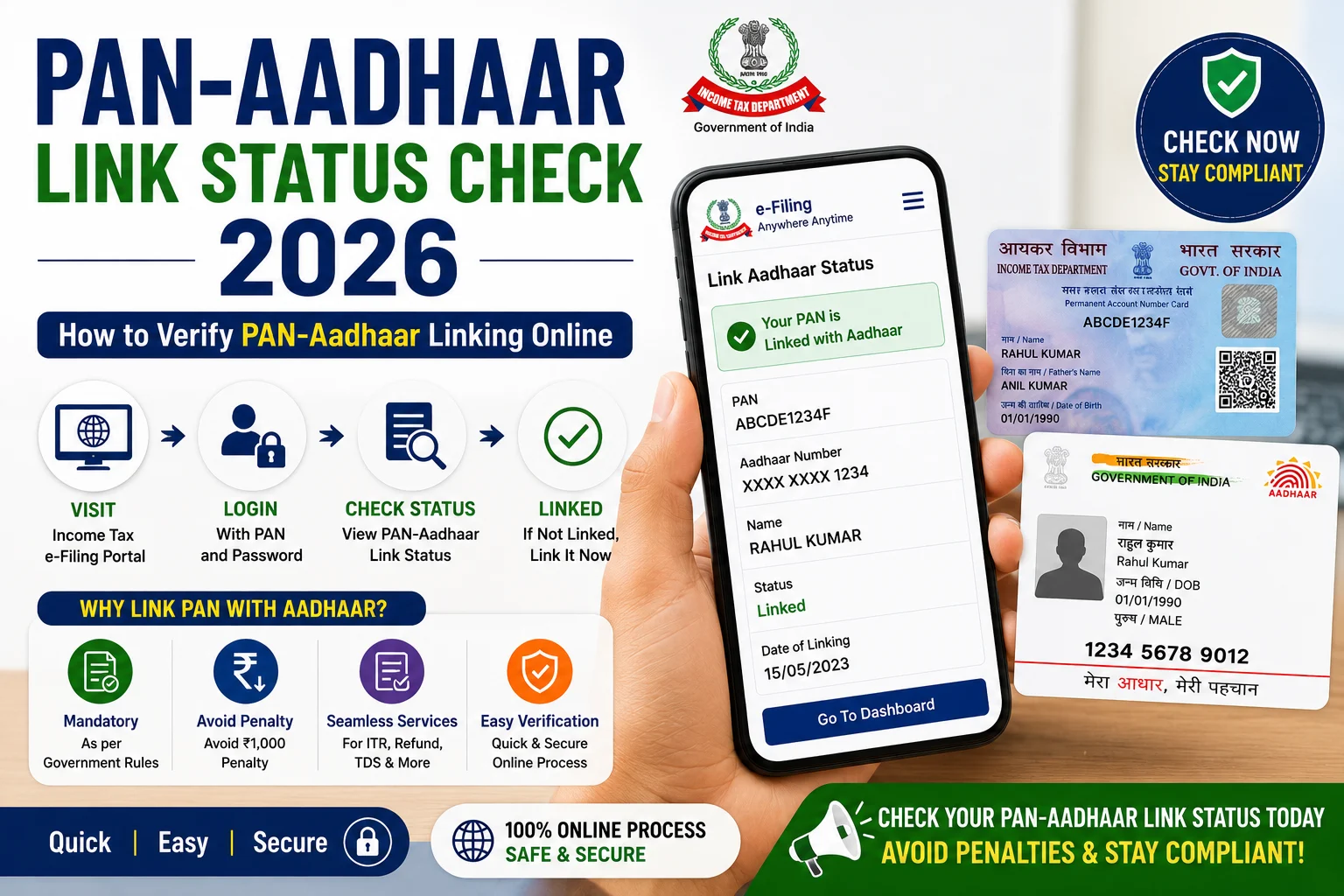
Linking your Permanent Account Number (PAN) with Aadhaar is an important requirement for many taxpayers in India. The Income Tax Department provides an online facility that allows individuals to check whether their PAN and Aadhaar are successfully linked. Keeping your PAN linked with Aadhaar helps ensure smooth tax filing, banking transactions, investment activities, and access to various financial services.
In 2026, checking your PAN-Aadhaar Link Status is simple and can be done online without logging into your Income Tax account. Whether you have recently submitted a linking request or want to confirm your current status, this guide explains the complete process, required information, possible status messages, common issues, and solutions.
What is PAN-Aadhaar Link Status?
PAN-Aadhaar Link Status shows whether your PAN has been successfully linked with your Aadhaar in the records of the Income Tax Department. The online status check helps taxpayers verify if the linking request has been completed successfully or if further action is required.
Why Should You Check PAN-Aadhaar Link Status?
Checking your status helps you:
- Confirm whether PAN and Aadhaar are linked.
- Verify the success of your linking request.
- Identify pending verification.
- Avoid issues while filing Income Tax Returns (ITR).
- Ensure smooth financial transactions where PAN is required.
Information Required
Before checking your status, keep the following details ready:
- PAN Number
- Aadhaar Number
No login is required for checking the link status through the official portal.
How to Check PAN-Aadhaar Link Status Online 2026
Follow these simple steps:
Step 1: Visit the Income Tax e-Filing Portal
Open the official Income Tax e-Filing portal.
Step 2: Click on “Link Aadhaar / View Status”
Under the Quick Links section, select Link Aadhaar / View Status.
Step 3: Select “View Status”
Choose the View Status option.
Step 4: Enter Required Details
Provide:
- PAN Number
- Aadhaar Number
Step 5: Click “View Link Aadhaar Status”
The system will display your current PAN-Aadhaar linking status instantly.
Different PAN-Aadhaar Status Messages
You may see one of the following messages:
Successfully Linked
Your PAN and Aadhaar are linked successfully. No further action is required.
Linking Request in Progress
Your request has been submitted and is currently under verification. Wait for the verification process to complete before checking again.
Not Linked
Your PAN and Aadhaar are not linked. You should submit a linking request if you are required to do so.
Verification Failed
There may be a mismatch between your PAN and Aadhaar details, such as your name or date of birth. Update the incorrect record and submit a fresh linking request.
Common Reasons for Linking Failure
Your linking request may fail because of:
- Name mismatch between PAN and Aadhaar.
- Incorrect date of birth.
- Wrong Aadhaar number.
- Incorrect PAN number.
- Mobile number not updated where required.
- Pending Aadhaar updates.
- Technical verification issues.
Benefits of Linking PAN with Aadhaar
Linking PAN with Aadhaar offers several advantages:
- Smooth Income Tax Return filing.
- Faster verification of tax records.
- Reduced chances of identity duplication.
- Easy access to financial services.
- Better compliance with Income Tax regulations.
- Hassle-free verification during financial transactions.
What Should You Do If PAN is Not Linked?
If your PAN is not linked:
- Visit the official Income Tax e-Filing portal.
- Complete any required fee payment, if applicable under current rules.
- Submit the PAN-Aadhaar linking request.
- Wait for verification.
- Check the status again after processing.
Important Tips
Keep these points in mind:
- Enter your PAN and Aadhaar details carefully.
- Ensure your name and date of birth match in both records.
- Check the status only through the official Income Tax portal.
- Keep your Aadhaar information updated.
- Save confirmation details after submitting a linking request.
Frequently Asked Questions (FAQs)
Can I check PAN-Aadhaar Link Status without logging in?
Yes. The Income Tax Department allows users to check the status without logging into the e-Filing portal.
What details are required to check the status?
You only need your PAN Number and Aadhaar Number.
How long does it take for the linking status to update?
If your request is under verification, it may take a few working days before the status changes.
What should I do if my details do not match?
Update the incorrect information in either your PAN or Aadhaar records before submitting a fresh linking request.
Can I check the status from my mobile phone?
Yes. The official Income Tax e-Filing portal can be accessed from a smartphone or desktop browser.
Conclusion
Checking your PAN-Aadhaar Link Status 2026 is a quick and important step to ensure that your PAN and Aadhaar are correctly linked. The online verification process takes only a few minutes and helps you avoid unnecessary issues while filing income tax returns or carrying out financial transactions. If your status shows that the linking is pending or unsuccessful, resolve any mismatches promptly and complete the required verification through the official Income Tax portal.
Read More: Caste Certificate Apply Online 2026: Registration, Eligibility, Documents & Application Process