How to Download e-PAN Card Online 2026 Easily
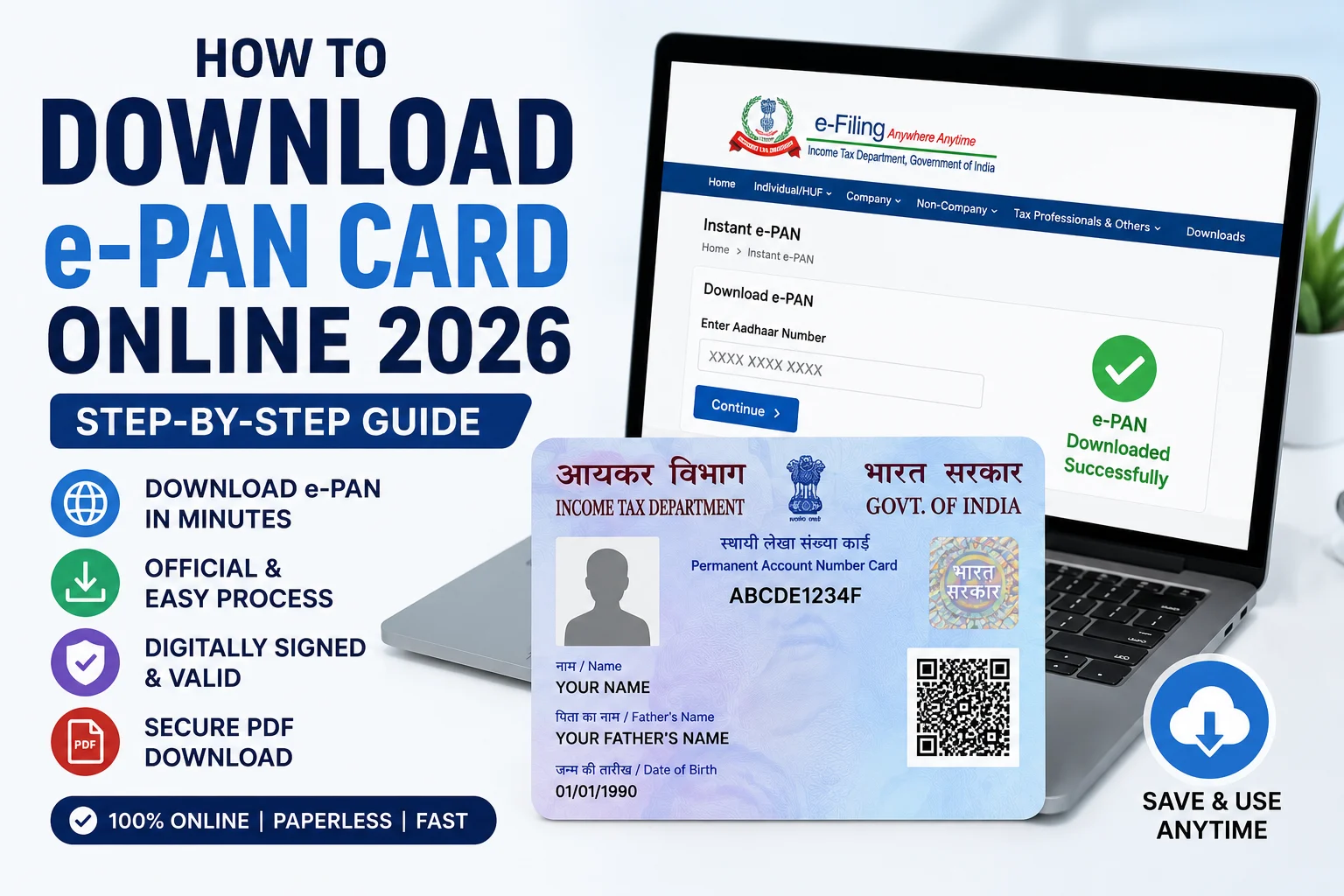
How to Download e-PAN Card Online 2026 is one of the most searched queries among taxpayers who need a digital copy of their Permanent Account Number (PAN). The Income Tax Department allows eligible individuals to download their e-PAN Card online through the official Income Tax e-Filing portal, Protean (formerly NSDL), or UTIITSL, depending on how the PAN was issued.
Moreover, the e-PAN is a digitally signed PDF document that is legally valid and accepted for Income Tax Return (ITR) filing, bank account opening, KYC verification, investments, and other financial transactions. Therefore, downloading an e-PAN card online is quick, secure, and completely paperless.
What is an e-PAN Card?
An e-PAN Card is an electronic version of the physical PAN card issued by the Income Tax Department. It contains the same PAN number and personal details as the physical card and includes a secure QR code for verification.
Furthermore, the e-PAN can be stored on your smartphone, laptop, or DigiLocker and used whenever PAN verification is required.
Who Can Download an e-PAN Card?
You can download your e-PAN if:
- You have been allotted a PAN.
- You applied for an Instant e-PAN using Aadhaar.
- Your PAN application has been approved.
- Your mobile number is linked with Aadhaar (for Instant e-PAN).
- Your email ID is registered with the PAN database.
Additionally, applicants who recently updated or corrected their PAN details can also download the latest e-PAN after approval.
Documents Required
Before downloading your e-PAN Card, keep the following details ready:
- PAN Number or Acknowledgement Number.
- Aadhaar Number (for Instant e-PAN).
- Date of Birth.
- Registered Mobile Number.
- OTP received on your mobile.
These details help verify your identity and ensure secure access to your e-PAN.
How to Download e-PAN Card Online Through the Income Tax Portal
Follow these simple steps:
- Visit the official Income Tax e-Filing portal.
- Click on Instant e-PAN.
- Select Check Status/Download e-PAN.
- Enter your Aadhaar Number.
- Verify using the OTP sent to your registered mobile number.
- Click Download e-PAN.
- Save the PDF file on your device.
Consequently, your digitally signed e-PAN will be downloaded instantly if it has already been generated.
How to Download e-PAN Through Protean (NSDL)
If your PAN was issued through Protean:
- Visit the Protean e-PAN download portal.
- Enter your PAN Number and Aadhaar Number.
- Provide your Date of Birth.
- Complete the OTP verification.
- Download your e-PAN PDF.
Furthermore, the downloaded file is password-protected for security.
How to Download e-PAN Through UTIITSL
Applicants who applied through UTIITSL can:
- Visit the official UTIITSL website.
- Select Download e-PAN.
- Enter your PAN details.
- Verify using OTP.
- Download the e-PAN Card.
Therefore, applicants can obtain their digital PAN without visiting any office.
Password to Open e-PAN PDF
The downloaded e-PAN PDF is password protected.
The password is generally:
Date of Birth in DDMMYYYY format
For example:
- Date of Birth: 15 August 1998
- Password: 15081998
This security feature protects your personal information.
Benefits of e-PAN Card
Downloading an e-PAN offers several advantages:
- Instant access anytime.
- Accepted as a valid PAN document.
- Useful for online KYC.
- Required for Income Tax Return filing.
- Easy to store on mobile devices.
- Paperless and environmentally friendly.
- Free download through official portals.
As a result, many users prefer keeping a digital copy of their PAN card for everyday financial activities.
Common Reasons Why e-PAN Cannot Be Downloaded
You may face issues due to:
- PAN not yet generated.
- Incorrect Aadhaar or PAN details.
- Mobile number not linked.
- OTP verification failure.
- Server maintenance.
- Incorrect Date of Birth.
Therefore, ensure that all details entered are accurate before trying again.
Conclusion
How to Download e-PAN Card Online 2026 is a simple process that can be completed within a few minutes through the official Income Tax e-Filing portal, Protean, or UTIITSL. By keeping your PAN, Aadhaar, and registered mobile number ready, you can quickly download your digitally signed e-PAN and use it for banking, taxation, investments, and various government services.