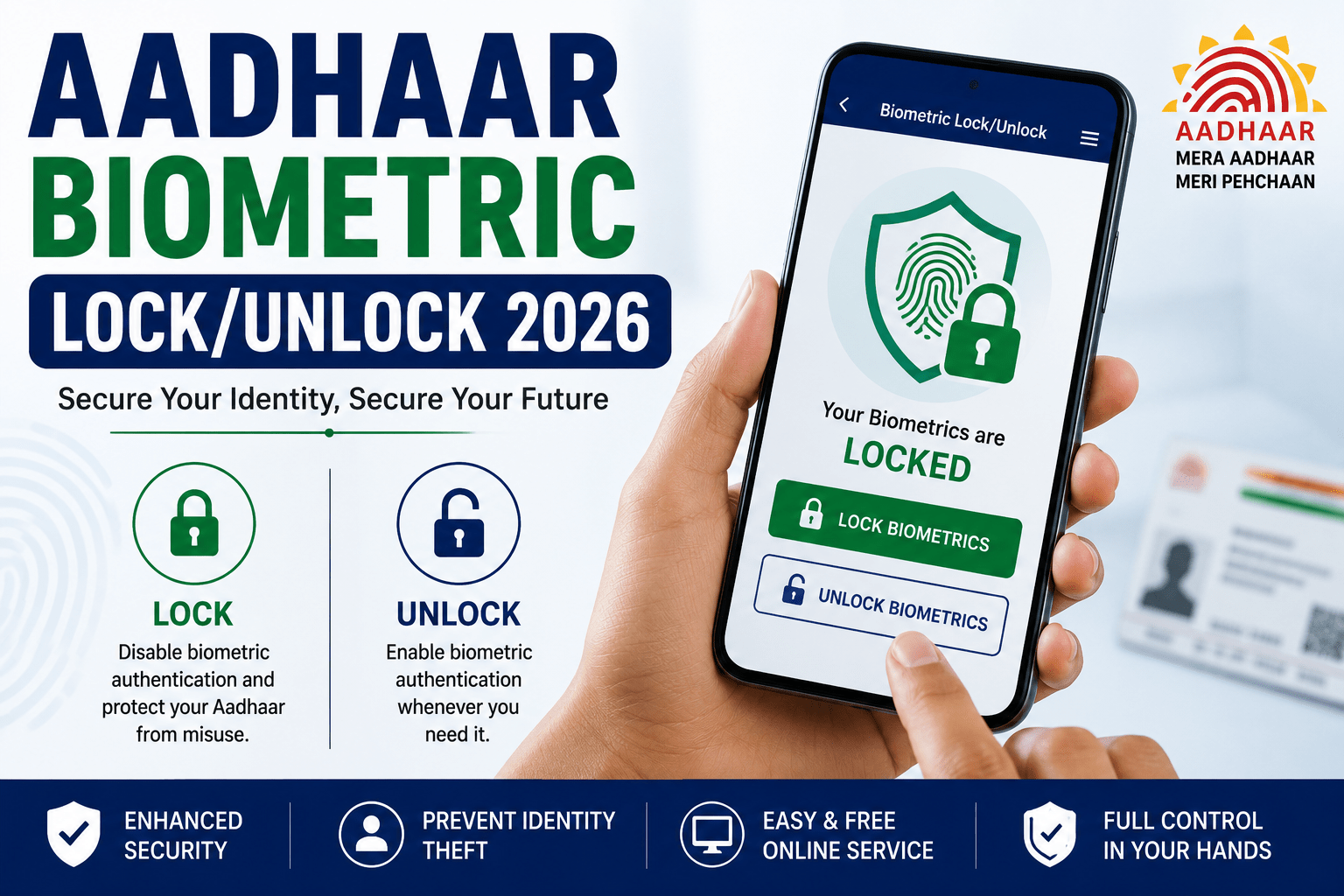
Aadhaar Biometric Lock/Unlock 2026: Protect Your Identity from Misuse
Aadhaar Biometric Lock/Unlock 2026 is a security feature provided by the Unique Identification Authority of India (UIDAI) that allows Aadhaar holders to lock and unlock their biometric information whenever required. This feature helps protect fingerprints and iris scan data from unauthorized use, reducing the risk of identity theft and biometric fraud.
Moreover, once your Aadhaar biometrics are locked, no one can use your fingerprints or iris details for authentication until you unlock them. Therefore, locking your biometrics is highly recommended, especially if you do not frequently use biometric authentication for banking, government services, or e-KYC.
What is Aadhaar Biometric Lock/Unlock?
The Aadhaar Biometric Lock/Unlock service enables residents to temporarily disable or enable biometric authentication linked to their Aadhaar number.
When biometrics are locked:
- Fingerprint authentication is disabled.
- Iris authentication is disabled.
- Face authentication remains available where supported.
- Unauthorized biometric access is prevented.
Furthermore, the service can be activated or deactivated instantly through the official UIDAI portal.
Aadhaar Biometric Lock/Unlock 2026: Overview
| Particular | Details |
|---|---|
| Service Name | Aadhaar Biometric Lock/Unlock |
| Issued By | UIDAI |
| Mode | Online |
| Service Fee | Free |
| Authentication | OTP Verification |
| Beneficiaries | All Aadhaar Holders |
| Official Authority | UIDAI |
Eligibility Criteria
You can use the Aadhaar Biometric Lock/Unlock service if:
- You have a valid Aadhaar Number.
- Your mobile number is registered with Aadhaar.
- You can receive OTP on your registered mobile number.
Additionally, this service is available free of cost for all Aadhaar holders.
Documents Required
To use the service, keep the following ready:
- Aadhaar Number
- Registered Mobile Number
- OTP received on your mobile
No additional documents are required.
How to Lock Aadhaar Biometrics Online
Follow these steps:
- Visit the official UIDAI website.
- Log in using your Aadhaar Number.
- Verify your identity with the OTP sent to your registered mobile number.
- Navigate to Biometric Lock/Unlock.
- Read the instructions carefully.
- Click Lock Biometrics.
- Confirm your request.
Once completed, your fingerprint and iris authentication will be locked immediately.
How to Unlock Aadhaar Biometrics
If you need to use biometric authentication:
- Visit the UIDAI portal.
- Log in with your Aadhaar Number.
- Verify using OTP.
- Open the Biometric Lock/Unlock section.
- Click Unlock Biometrics.
- Confirm the request.
Your biometrics will become available for authentication. You can lock them again after completing the required service.
Benefits of Locking Aadhaar Biometrics
Using the biometric lock feature provides several advantages:
- Prevents unauthorized biometric authentication.
- Protects against identity theft.
- Enhances Aadhaar security.
- Safe for banking and financial transactions.
- Secures e-KYC verification.
- Free online service.
- Instant activation and deactivation.
Consequently, this feature provides an additional layer of security for your Aadhaar identity.
When Should You Unlock Biometrics?
You should temporarily unlock your biometrics when:
- Completing bank KYC.
- Applying for government schemes.
- Updating Aadhaar details.
- Using fingerprint authentication.
- Completing e-KYC services.
- Accessing biometric-based services.
After completing the transaction, it is advisable to lock your biometrics again.
Common Issues While Using the Service
Users may experience problems due to:
- Mobile number not linked with Aadhaar.
- OTP verification failure.
- Server maintenance.
- Incorrect Aadhaar Number.
- Network issues.
Therefore, ensure your registered mobile number is active before using the service.
Tips to Keep Aadhaar Secure
To improve Aadhaar security:
- Keep biometrics locked when not in use.
- Never share OTP with anyone.
- Update your mobile number regularly.
- Check Aadhaar authentication history periodically.
- Download Aadhaar only from the official UIDAI portal.
- Report suspicious activity immediately.
These practices help safeguard your identity and personal information.
Conclusion
Aadhaar Biometric Lock/Unlock 2026 is an essential security feature that allows Aadhaar holders to protect their fingerprint and iris data from unauthorized access. The service is completely free, easy to use, and available through the official UIDAI portal. By locking your biometrics when they are not required, you can significantly reduce the risk of identity misuse while maintaining complete control over your Aadhaar authentication.