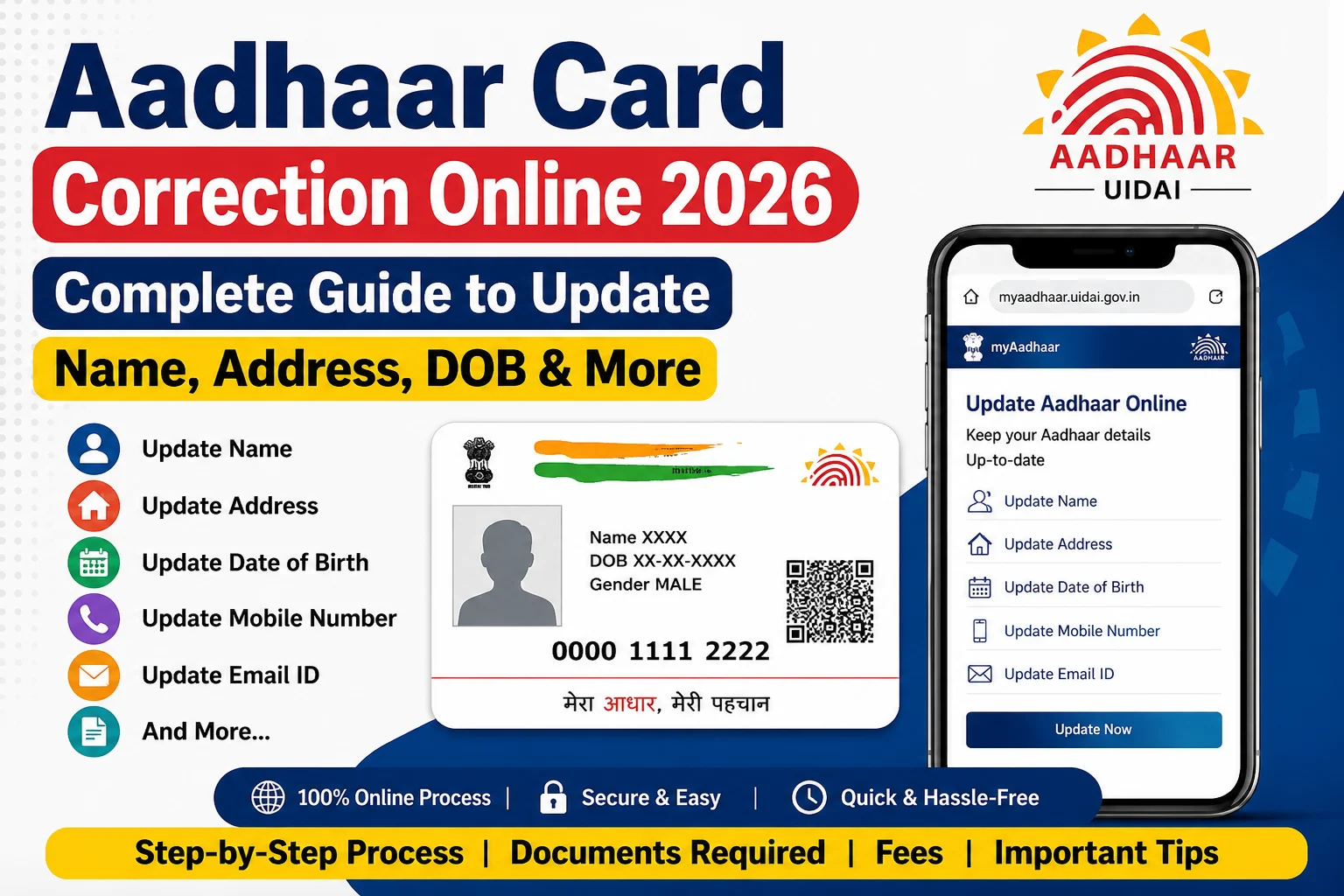
The Aadhaar Card Correction Online service allows Aadhaar holders to update eligible details through the myAadhaar portal or by visiting an Aadhaar Seva Kendra (ASK). Depending on the type of correction, some updates can be completed online, while others require an in-person visit for biometric verification.
Currently, Address Update and Document Update can be completed online through the myAadhaar portal. For updates such as Name, Date of Birth (DOB), Gender, Mobile Number, Email ID, Photograph, Fingerprints, and Iris, you generally need to visit an Aadhaar Enrolment Centre or Aadhaar Seva Kendra.
This guide explains the Aadhaar correction process, eligibility, required documents, online update steps, offline update process, fees, and FAQs.
What is Aadhaar Card Correction?
Aadhaar Card Correction is the process of updating or correcting demographic or biometric details in your Aadhaar record maintained by the Unique Identification Authority of India (UIDAI).
You can update details if:
- Your address has changed.
- Your name contains an error or has legally changed.
- Your date of birth or gender needs correction.
- Your mobile number or email ID has changed.
- Your photograph or biometric information requires updating.
Aadhaar Card Correction 2026 Highlights
| Particular | Details |
|---|---|
| Service | Aadhaar Card Correction |
| Authority | Unique Identification Authority of India (UIDAI) |
| Application Mode | Online & Offline |
| Online Updates | Address & Document Update |
| Offline Updates | Name, DOB, Gender, Mobile, Biometrics, Photograph, etc. |
| Official Portal | https://myaadhaar.uidai.gov.in |
What Details Can Be Updated?
Online through myAadhaar
You can generally update:
- Address
- Supporting Documents (Document Update)
At Aadhaar Seva Kendra
You can update:
- Name
- Address
- Date of Birth
- Gender
- Mobile Number
- Email ID
- Photograph
- Fingerprints
- Iris Scan
- Supporting Documents
Eligibility
You can apply for Aadhaar correction if:
- You have a valid Aadhaar number.
- Your mobile number is registered with Aadhaar (for online services).
- You possess valid supporting documents for the requested correction.
Documents Required
Depending on the correction requested, you may need:
- Aadhaar Card
- Proof of Identity (PoI)
- Proof of Address (PoA)
- Proof of Date of Birth (DoB)
- Mobile Number
- Passport-size Photograph (if required during enrolment)
Only documents accepted by UIDAI should be uploaded or submitted.
How to Update Aadhaar Address Online
Step 1
Visit the myAadhaar portal.
Step 2
Log in using your Aadhaar number and OTP sent to your registered mobile number.
Step 3
Select Address Update.
Step 4
Enter your new address exactly as it appears on your Proof of Address document.
Step 5
Upload a clear colour scan of the valid Proof of Address.
Step 6
Review the details and submit the request.
Step 7
An SRN (Service Request Number) will be generated. Save it to track your update status.
How to Update Name, DOB, Mobile Number or Biometrics
For updates such as:
- Name
- Date of Birth
- Gender
- Mobile Number
- Email ID
- Photograph
- Fingerprints
- Iris
follow these steps:
- Visit the nearest Aadhaar Seva Kendra or Aadhaar Enrolment Centre.
- Fill out the Aadhaar Update Form.
- Submit the required supporting documents.
- Complete biometric verification where required.
- Pay the applicable update fee.
- Collect the acknowledgement receipt with the Update Request Number (URN).
How to Check Aadhaar Update Status
After submitting your request:
- Visit the myAadhaar portal.
- Open Check Aadhaar Update Status.
- Enter your SRN or URN.
- View the current status of your update request.
Important Update Limits
UIDAI has prescribed limits for certain updates:
- Name: Up to 2 times during a lifetime.
- Gender: 1 time during a lifetime.
- Date of Birth: 1 time during a lifetime (subject to UIDAI rules).
Common Reasons for Rejection
Your Aadhaar correction request may be rejected because of:
- Invalid supporting documents.
- Poor-quality document upload.
- Mismatch between the application and submitted documents.
- Incorrect personal information.
- Blurred or unreadable scanned copies.
Tips for Successful Aadhaar Correction
- Upload clear colour scans of original documents.
- Ensure your name and address exactly match the supporting document.
- Double-check all entered information before submission.
- Keep your registered mobile number active for OTP verification.
- Save your SRN or URN for future tracking.
Frequently Asked Questions (FAQs)
Can I update my Aadhaar online?
Yes. You can currently update your address and perform document updates online through the myAadhaar portal. Other demographic and biometric changes generally require a visit to an Aadhaar Seva Kendra.
Can I update my mobile number online?
No. UIDAI currently requires you to visit an Aadhaar Enrolment Centre or Aadhaar Seva Kendra to update your mobile number.
Will my Aadhaar number change after correction?
No. Your Aadhaar number remains the same after any approved update.
Is a registered mobile number required for online updates?
Yes. Online Aadhaar services require OTP verification using the mobile number already registered with Aadhaar.
Can I cancel an Aadhaar update request?
Yes. UIDAI allows cancellation of an update request through the myAadhaar dashboard until the request is taken up for processing.
Conclusion
The Aadhaar Card Correction Online service makes it easier to keep your Aadhaar details accurate and up to date. While address and document updates can be completed online through the myAadhaar portal, updates such as name, date of birth, mobile number, and biometrics require a visit to an Aadhaar Seva Kendra. Before submitting your request, ensure your supporting documents are valid and match the details entered in the application to avoid delays or rejection.