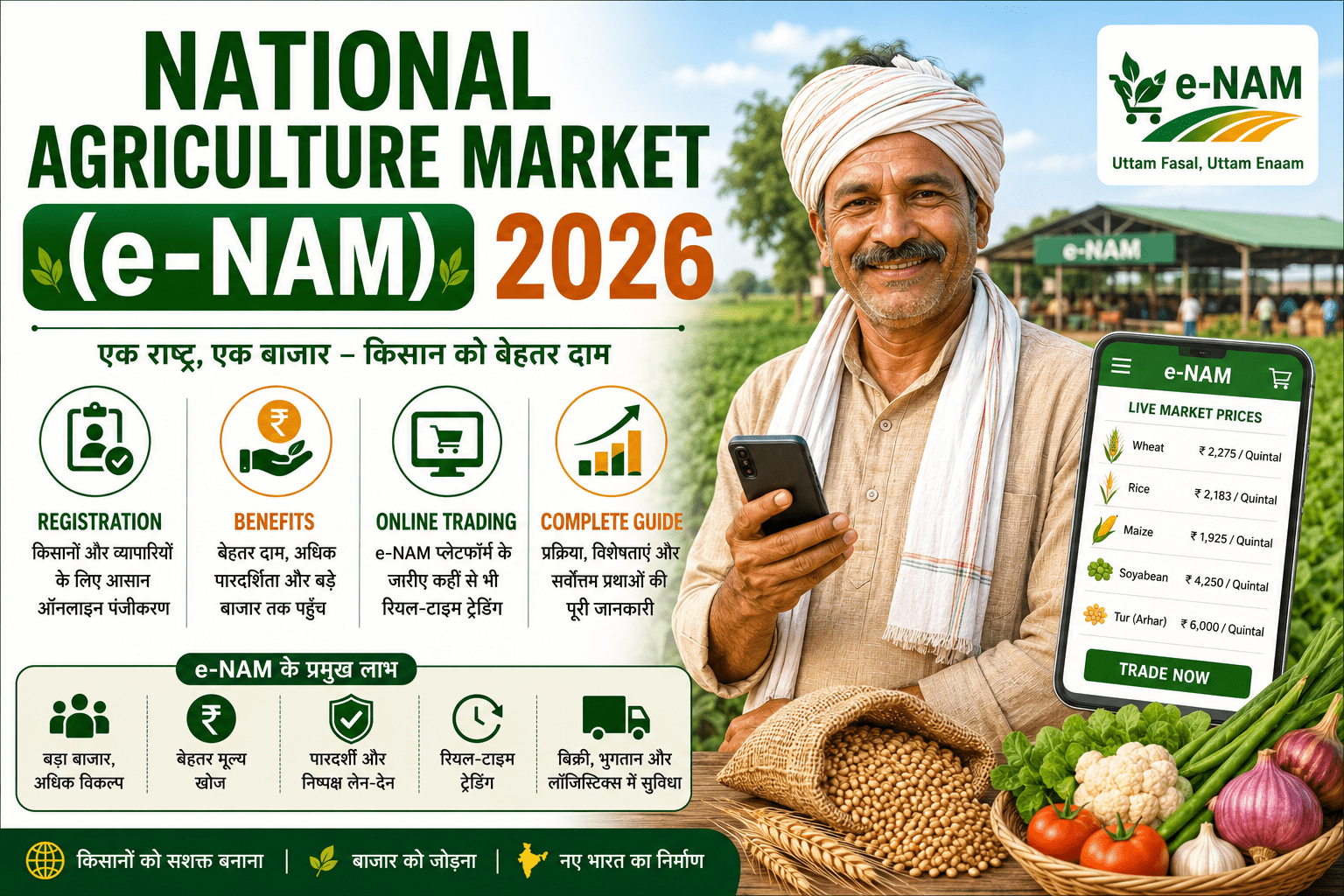
The National Agriculture Market (e-NAM) is a pan-India electronic trading platform launched by the Government of India to create a unified national market for agricultural commodities. Implemented by the Small Farmers’ Agribusiness Consortium (SFAC) under the Ministry of Agriculture & Farmers Welfare, e-NAM connects Agricultural Produce Market Committee (APMC) mandis across the country through a single online platform. It enables farmers, traders, buyers, Farmer Producer Organizations (FPOs), and commission agents to trade agricultural produce transparently and efficiently.
In 2026, farmers can register on the official e-NAM portal and access online trading, real-time market prices, quality assaying, digital payments, and a wider network of buyers. The platform continues to expand, facilitating trade across thousands of commodities and mandis nationwide.
This guide explains everything about National Agriculture Market (e-NAM) 2026, including registration, eligibility, benefits, trading process, required documents, and frequently asked questions.
What is National Agriculture Market (e-NAM)?
The National Agriculture Market (e-NAM) is an online agricultural trading platform that integrates APMC mandis across India into a single digital marketplace.
Its primary objectives are:
- Better price discovery.
- Transparent online bidding.
- Wider market access.
- Digital payments.
- Reduced role of intermediaries.
- Improved marketing opportunities for farmers.
Objectives of e-NAM
The scheme aims to:
- Create a unified national agricultural market.
- Improve farmers’ income.
- Promote transparent trading.
- Increase competition among buyers.
- Enable interstate agricultural trade.
- Support digital agriculture.
Benefits of e-NAM
Farmers and traders receive several benefits.
- Transparent online bidding.
- Better price realization.
- Access to more buyers across India.
- Real-time market prices.
- Online payment facility.
- Quality testing (Assaying).
- Faster sale of agricultural produce.
- Reduced dependence on local buyers.
Who Can Register?
The following stakeholders can register:
- Farmers
- Traders
- Farmer Producer Organizations (FPOs)
- Commission Agents
- Buyers
- Processors
- Exporters
Documents Required
Keep the following documents ready.
- Aadhaar Card
- Mobile Number
- Bank Account Details
- Identity Proof
- Address Proof
- Farmer ID (if applicable)
- PAN Card (for traders or businesses, where required)
- APMC License (for traders, if applicable)
How to Register on e-NAM Online 2026
Follow these simple steps.
Step 1
Visit the official e-NAM Portal.
Step 2
Click Registration.
Step 3
Select your user category:
- Farmer
- Trader
- FPO
- Commission Agent
Step 4
Fill in:
- Personal Details
- Aadhaar Information
- Bank Details
- Address
- Mobile Number
Step 5
Upload the required documents.
Step 6
Verify your mobile number using OTP.
Step 7
Submit the registration form.
Step 8
After approval, log in and start using e-NAM services.
How e-NAM Trading Works
The trading process generally includes:
- Farmer brings produce to the mandi.
- Produce is weighed and quality tested.
- Lot details are uploaded on e-NAM.
- Buyers participate in online bidding.
- Highest bid is accepted.
- Online payment is processed.
- Produce is delivered to the buyer.
Services Available on e-NAM
Farmers can access:
- Online trading
- Live commodity prices
- Market arrivals
- Assaying services
- Digital payment
- Trade reports
- Inter-state trading
- Mobile app services
How to Check Market Prices
Farmers can:
- Log in to the e-NAM portal.
- Select the commodity.
- Choose the mandi.
- View:
- Minimum Price
- Maximum Price
- Modal Price
- Arrival Details
How to Check Registration Status
After registration:
- Visit the official e-NAM portal.
- Log in using your credentials.
- View your profile and registration status.
- Complete any pending verification if required.
Common Reasons for Registration Rejection
Applications may be rejected because of:
- Incorrect Aadhaar details.
- Invalid mobile number.
- Incomplete documents.
- Incorrect bank information.
- Duplicate registration.
- Verification failure.
Important Tips
Before registering:
- Use only the official e-NAM portal.
- Enter accurate personal details.
- Keep your Aadhaar and bank account updated.
- Upload clear documents.
- Complete mobile verification.
- Keep your login credentials secure.
Frequently Asked Questions (FAQs)
What is e-NAM?
e-NAM is a national online agricultural trading platform that connects APMC mandis across India and enables transparent trading of agricultural commodities.
Who can register on e-NAM?
Farmers, traders, FPOs, commission agents, processors, exporters, and eligible buyers can register.
Is registration free?
Yes. Registration on the e-NAM portal is generally free for eligible users.
Can farmers sell crops online?
Yes. Registered farmers can sell their produce through participating e-NAM mandis using the online trading platform.
How can I check commodity prices?
You can view live commodity prices, arrivals, and mandi-wise trading information on the official e-NAM portal.
Conclusion
The National Agriculture Market (e-NAM) 2026 is transforming agricultural marketing in India by providing farmers with transparent price discovery, online trading, digital payments, and access to a nationwide network of buyers. By registering on the official e-NAM portal, farmers can improve market access, receive competitive prices for their produce, and reduce dependence on traditional marketing channels. As the platform continues to expand, e-NAM remains a key initiative in promoting digital agriculture and increasing farmers’ income.