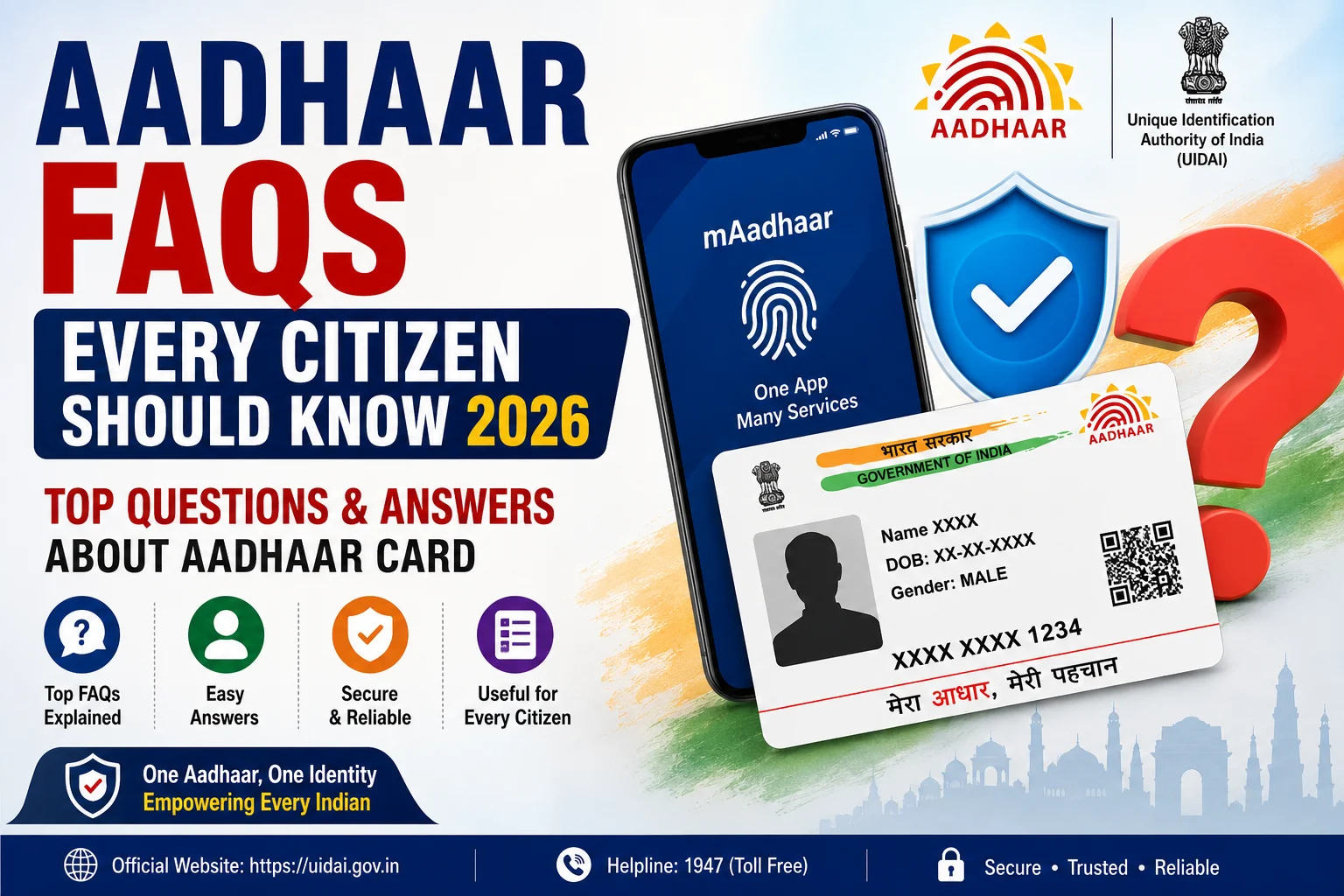
The Aadhaar Card has become one of the most important identity documents for residents of India. Issued by the Unique Identification Authority of India (UIDAI), Aadhaar is widely used for identity verification, banking, government welfare schemes, income tax services, passport applications, mobile SIM verification, EPFO services, scholarships, and many other public and private services.
Although millions of people use Aadhaar every day, many citizens still have questions about Aadhaar enrolment, updates, biometric verification, Virtual ID (VID), e-KYC, Aadhaar security, PVC cards, and online services. Understanding the answers to these common questions helps residents use Aadhaar safely and efficiently.
This guide covers the most frequently asked questions (FAQs) about Aadhaar in 2026, providing clear and simple answers based on UIDAI guidelines.
What is Aadhaar?
Aadhaar is a 12-digit unique identification number issued by the Unique Identification Authority of India (UIDAI) to residents of India after completing the enrolment process.
It contains demographic and biometric information and serves as a trusted proof of identity for various government and private services.
Who Can Apply for Aadhaar?
Any resident of India, including:
- Adults
- Children
- Senior citizens
- Newborn babies
- Foreign nationals who meet the residency conditions prescribed under the Aadhaar Act
can apply for Aadhaar.
Is Aadhaar Mandatory?
No.
Aadhaar is not mandatory for every service. However, it is required or accepted for several government schemes and services where permitted by law. Applicants should always check the specific eligibility and documentation requirements of the service they are applying for.
Is Aadhaar Proof of Citizenship?
No.
Aadhaar is only proof of identity and address. It does not establish Indian citizenship, domicile, or date of birth beyond the information recorded in the Aadhaar database.
Can I Have More Than One Aadhaar?
No.
Every resident is issued only one Aadhaar Number.
UIDAI uses biometric de-duplication to ensure that one person cannot obtain multiple Aadhaar numbers.
What is Baal Aadhaar?
Baal Aadhaar is issued to children below the age of 5 years.
It is:
- Blue in colour.
- Issued without biometric data.
- Linked with the Aadhaar of a parent or legal guardian.
Mandatory biometric updates are required after the child turns 5 years and again after 15 years.
How Can I Download e-Aadhaar?
You can download e-Aadhaar by:
- Visiting the official UIDAI website.
- Selecting Download Aadhaar.
- Entering your Aadhaar Number, Enrolment ID (EID), or Virtual ID (VID).
- Completing OTP verification.
- Downloading the PDF.
What is Masked Aadhaar?
Masked Aadhaar is a secure version of Aadhaar where only the last four digits of your Aadhaar Number are visible.
It helps protect your privacy while sharing identity documents.
What is Aadhaar PVC Card?
The Aadhaar PVC Card is a durable plastic version of Aadhaar that includes:
- Secure QR Code
- Hologram
- Ghost Image
- Micro Text
- Issue Date
- Print Date
It is easy to carry and highly durable.
What is Virtual ID (VID)?
Virtual ID (VID) is a 16-digit temporary number generated by UIDAI.
It can be used instead of your Aadhaar Number for authentication, providing better privacy and security.
What is Aadhaar Authentication?
Aadhaar Authentication is the process through which UIDAI verifies your identity using:
- OTP
- Fingerprint
- Iris Scan
- Face Authentication
- Demographic Information
depending on the service being used.
What is Offline Aadhaar e-KYC?
Offline Aadhaar e-KYC allows users to verify their identity without online authentication.
It can be shared using:
- XML File
- Secure QR Code
- Masked Aadhaar
This method protects your Aadhaar Number while enabling identity verification.
Can I Update My Aadhaar Online?
Yes.
UIDAI allows eligible users to update certain demographic details and documents online through the myAadhaar Portal.
However, updates such as:
- Mobile Number
- Biometrics
- Photograph
generally require a visit to an Aadhaar Seva Kendra.
How Can I Change My Mobile Number?
To update your mobile number:
- Visit the nearest Aadhaar Seva Kendra.
- Submit the update request.
- Complete biometric verification.
- Receive an Update Request Number (URN).
Online mobile number updates are currently not available.
How Can I Check Aadhaar Update Status?
You can track your request by:
- Visiting the UIDAI website.
- Selecting Check Aadhaar Status.
- Entering your URN or EID.
- Viewing the latest update status.
Can I Lock My Biometrics?
Yes.
UIDAI allows residents to:
- Lock Biometrics.
- Unlock Biometrics.
This helps prevent unauthorized biometric authentication.
What Should I Do If Aadhaar Is Lost?
If your Aadhaar card is lost:
- Download e-Aadhaar.
- Order a PVC Aadhaar Card.
- Retrieve your Aadhaar Number or EID through the UIDAI portal.
There is no need to apply for a new Aadhaar.
Can I Download Aadhaar Without Aadhaar Number?
Yes.
You can download Aadhaar using:
- Enrolment ID (EID)
- Virtual ID (VID)
You can also retrieve your Aadhaar Number if you have forgotten it.
Is Aadhaar Valid Throughout India?
Yes.
Aadhaar is valid across India and is accepted by many government departments, banks, financial institutions, telecom companies, and other authorized organizations.
Can Aadhaar Be Used for Passport?
Yes.
Aadhaar is accepted as a valid Proof of Identity and Proof of Address during passport applications, subject to Passport Seva guidelines.
Can Aadhaar Be Linked with PAN?
Yes.
Eligible taxpayers can link Aadhaar with PAN through the Income Tax e-Filing Portal, as required under applicable tax laws.
How Can I Check Aadhaar Authentication History?
You can monitor all authentication requests by:
- Visiting the UIDAI website.
- Selecting Authentication History.
- Entering your Aadhaar Number or VID.
- Completing OTP verification.
- Viewing your authentication records.
Important Aadhaar Safety Tips
To keep your Aadhaar secure:
- Never share your OTP.
- Use Virtual ID whenever possible.
- Lock your biometrics when not required.
- Download Aadhaar only from the official UIDAI website.
- Check your authentication history regularly.
- Keep your mobile number updated.
- Avoid sharing Aadhaar copies unnecessarily.
Frequently Asked Questions (Quick Answers)
Is Aadhaar free?
Yes. Aadhaar enrolment is free.
Can I have two Aadhaar cards?
No. Every resident is issued only one Aadhaar Number.
Is Aadhaar mandatory for everyone?
No. It depends on the specific service and legal requirements.
Can I download Aadhaar anytime?
Yes. e-Aadhaar can be downloaded anytime from the official UIDAI website.
Can I update Aadhaar online?
Yes. Some demographic updates are available online, while biometric and mobile number updates require visiting an Aadhaar Seva Kendra.
Is Aadhaar proof of citizenship?
No. Aadhaar is only an identity document and does not prove citizenship.
Can children get Aadhaar?
Yes. Children can receive Baal Aadhaar, and biometric updates become mandatory at the prescribed ages.
What is the validity of Aadhaar?
Aadhaar has lifetime validity.
Conclusion
The Aadhaar FAQs Every Citizen Should Know 2026 guide answers the most common questions related to Aadhaar enrolment, updates, authentication, security, downloads, and digital services. Whether you are applying for a new Aadhaar, updating your information, downloading an e-Aadhaar, or using Aadhaar for government schemes, understanding these frequently asked questions helps you use UIDAI services confidently and securely. Always rely on official UIDAI platforms for Aadhaar-related services and avoid sharing your Aadhaar details with unauthorized persons.